
Roblox has hundreds of millions of active users and shows no signs of slowing down — but one question keeps coming up no matter how big the platform gets: can you actually play Roblox in a browser without downloading anything?
Short answer: yes, but not through Roblox itself. The platform doesn’t offer an official browser-based client for gameplay. What you can do is use cloud gaming services to stream Roblox directly to your browser tab, no installation required. That’s the method most players rely on in 2026, and this guide walks you through exactly how it works, which services are worth using, and what to watch out for along the way.
Can You Play Roblox in a Browser?
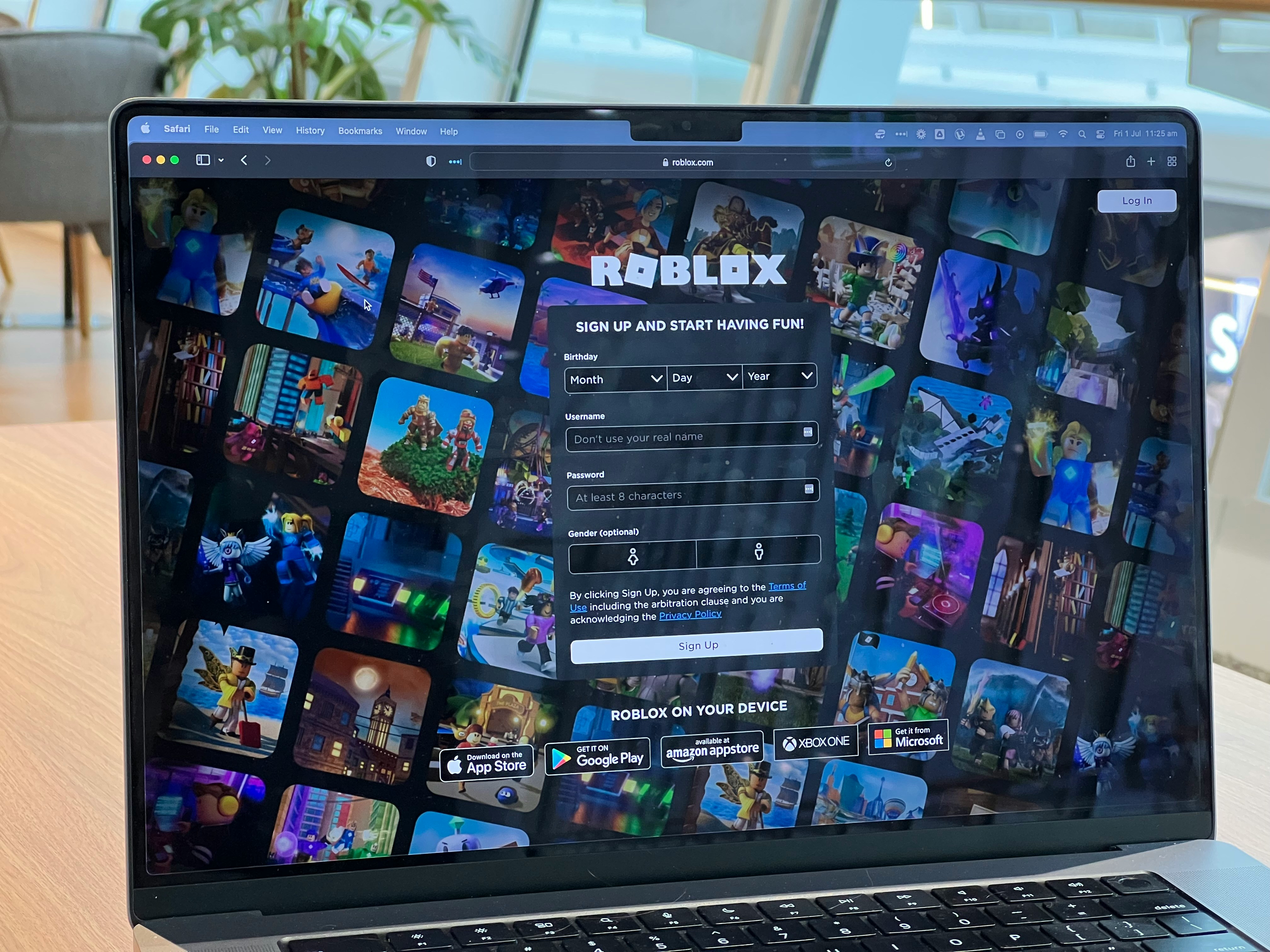
Roblox doesn’t have an official Roblox browser version that runs games natively inside Chrome, Edge, Firefox, or Safari. The Roblox website itself works fine as a hub — you can browse experiences, manage your avatar, buy Robux, chat with friends, and handle your account settings all from the web. But the moment you click Play, you’re getting redirected to the app.
So is Roblox a browser game? Technically, no. It’s an application-based platform built on a custom engine that needs deeper access to graphics and system resources than a regular web page can provide. That’s not a 2026 limitation — it’s been the architecture since the beginning.
That said, cloud gaming has changed the equation. Roblox cloud streaming services run the game on a remote server and pipe the output directly to your browser window. You get Roblox in browser without installing the client, without touching your device storage, and often without needing admin rights on the machine you’re using. It’s not a native Roblox web player, but it does the job for most situations where the app isn’t an option.
How to Play Roblox on Browser Without Downloading
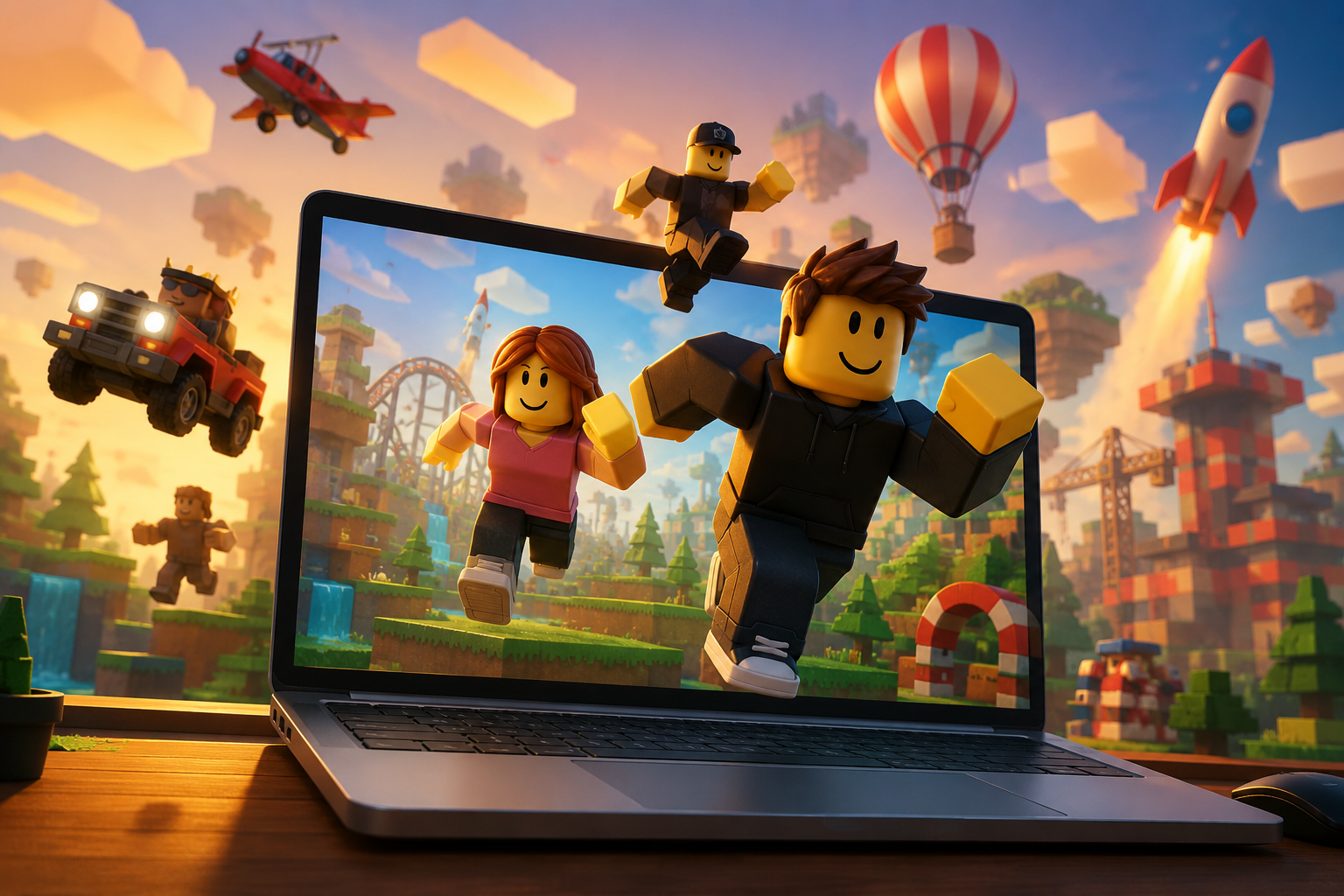
Cloud gaming is currently the most practical route for anyone who wants Roblox online in browser access. These platforms run the Roblox client on their own servers and stream gameplay to you in real time, the same way GeForce NOW or Xbox Cloud Gaming work for other titles. Your device just needs a decent internet connection and a modern browser — that’s it.
Here are the main options players are using in 2026.
Using now.gg
now.gg is the most recognized name for browser-based Roblox cloud streaming, and the setup is about as simple as it gets. Open the site, find Roblox, start a session, sign into your account, and you’re in. The whole process takes under a minute if the servers aren’t slammed.
The free tier is available with some limits on session length and queue times. For casual use it works fine; if you’re planning longer sessions, check whether the platform’s paid plan makes sense for you.
Where now.gg genuinely shines is for players on low-end hardware or locked-down school and work devices. Since nothing installs on your machine, permission restrictions don’t factor in. Performance is almost entirely about your internet quality — a stable connection at 10+ Mbps will get you a playable experience, while spotty Wi-Fi will make it rough regardless of the service.
Using EasyFun
EasyFun follows the same cloud streaming model and has picked up a solid user base as a now.gg alternative. The flow is identical: open the site, find Roblox in the library, launch a session, log in, play. Depending on your region and what time of day it is, EasyFun can sometimes deliver better latency than competitors simply because of server load distribution.
It’s particularly popular among players on Chromebooks and shared office machines — basically any device where you need Roblox without app installation. Worth having as a backup if your usual service has a queue.
Using Other Cloud Gaming Services
The cloud gaming space keeps evolving, so the options beyond now.gg and EasyFun continue to shift. Some platforms come and go, others add or drop Roblox support depending on licensing and demand.
Before committing to any service you haven’t used before, it’s worth checking a few things: whether Roblox is still actively supported on the platform, what the login and authentication flow looks like, whether there are regional restrictions, and what the subscription terms are if a free tier isn’t available. For Roblox browser access through newer or lesser-known providers, a quick search for recent user reports will tell you more than the marketing page.
Roblox Browser vs Roblox App
Same game, different delivery. When you play through a cloud streaming service, the Roblox client is running identically — just on someone else’s server. What changes is the path that gameplay takes to reach your screen, and that introduces some real trade-offs.
| Feature | Roblox Browser (Cloud Gaming) | Roblox App |
| Installation Required | No | Yes |
| Performance | Depends on internet connection | Runs on local hardware |
| Graphics Quality | Variable, set by stream quality | Native device output |
| Input Responsiveness | Network latency applies | Low latency |
| Device Requirements | Low | Higher |
| Offline Availability | No | No |
| Updates | Handled by the cloud provider | Automatic via Roblox |
| Chromebook Compatibility | Often straightforward | Device-dependent |
| Account Access | Full login required | Full login required |
| Stability | Depends on provider | Generally more consistent |
The native app is still the better experience when you have the option — lower latency, more stable graphics, no dependency on an external service’s uptime. But for anyone on a Chromebook, a locked-down laptop, or a machine without install rights, browser Roblox via cloud streaming is a completely viable workaround. The gap in experience is smaller than it used to be, especially if your internet connection is solid.
Is It Safe to Play Roblox in a Browser?
Using the Roblox web browser the right way — meaning the official roblox.com site plus a reputable cloud streaming service — is as safe as using the app. The same Roblox content moderation and account features apply because the actual client is unchanged; it’s just running on a cloud server instead of your device.
The risks come from the edges. The Roblox no download space attracts scam sites that mimic legitimate streaming platforms, promise free Robux, or try to harvest account credentials through fake login pages. If a site is asking for anything unusual before or during login, close it.
Practical things to keep in mind for safe Roblox browser support: enable two-factor authentication on your Roblox account if you haven’t already, double-check the URL before entering your credentials, and avoid logging into your account over public Wi-Fi without a VPN. Parental controls set at the account level apply across all access methods, including cloud streaming — that’s one thing that’s consistent regardless of how you’re accessing the platform.
Common Problems When Playing Roblox in a Browser
Browser-based Roblox cloud streaming introduces a different set of failure points than the native app. Most problems trace back to the connection between you and the cloud server rather than Roblox itself.
Roblox Not Loading
If the game session fails to start, the most common culprits are a full browser cache, an interfering extension, or temporary issues on the cloud provider’s end. Refresh the page first, then try clearing your cache and disabling extensions — ad blockers in particular can break streaming sessions. If nothing changes, check whether the service has a status page and try a different browser as a quick test. Some providers also temporarily disable roblox browser access during maintenance windows, which is usually announced on their social channels.
Black Screen Issues
A black screen after the session starts is almost always a streaming problem, not a Roblox issue. The session is live, but the video feed isn’t rendering properly on your end. Refreshing the session fixes this more often than not. If it persists, try disabling hardware acceleration in your browser settings — it can conflict with how some cloud platforms render the stream. Dropping the stream quality one notch in the platform’s settings also helps if the server is under load. On particularly slow connections, switching from Wi-Fi to wired can make the difference.
Login Problems
Authentication issues when accessing Roblox through browser usually come down to one of a few things: incorrect credentials, an incomplete two-factor authentication step, disabled cookies, or browser security settings that block the login flow. Make sure you’re signing in through the actual Roblox authentication page — not a third-party prompt that appeared unexpectedly — and that cookies are enabled for the streaming service’s domain. If 2FA is set up on your account, have your authenticator app ready before you start a session.
High Latency and Lag
Lag is the most common complaint with Roblox cloud gaming, and it’s baked into the model to some degree — every input you make has to travel to a remote server and come back as video. The practical ways to reduce it: use a wired connection if possible, switch to a 5 GHz Wi-Fi band if wired isn’t an option, close anything eating bandwidth in the background, and pick the closest server region the platform offers. Lowering the stream quality trades visual fidelity for responsiveness, which is usually the right call for fast-moving games. If you’re consistently getting unplayable latency on all providers, the bottleneck is probably your ISP rather than anything you can fix on the platform side.
FAQ
Can you play Roblox in a browser in 2026?
Yes, through cloud gaming services like now.gg and EasyFun that stream the game to your browser. Roblox itself doesn’t offer an official Roblox browser version for gameplay.
Is Roblox a browser game?
No. Roblox is an application-based platform. The Roblox game browser experience currently available is all cloud-streamed — the actual client runs on a remote server, not inside your browser tab.
How do I play Roblox without downloading it?
Use a cloud gaming platform that handles Roblox cloud streaming. You sign in with your existing Roblox account and play through the browser window. No client installation needed on your end.
Does Roblox have a web player?
Roblox previously had some browser-launch functionality, but there’s no standalone roblox web player today that runs experiences natively inside a browser tab. Cloud streaming is the practical substitute.
Can I play Roblox on Chrome browser?
Yes. Any modern browser works with cloud streaming services, including Roblox on Chrome browser. The browser itself is just the window — the actual processing happens on the cloud provider’s server.
Can I play Roblox on Chromebook?
Yes. Roblox on Chromebook is one of the most common use cases for cloud streaming, especially on school-managed devices where app installation is blocked. Just note that some school networks also block streaming services at the network level.
Is browser Roblox gameplay free?
Most cloud providers have a free tier with limits — session length caps, queue times, or reduced quality. Paid plans remove most restrictions. Check the specific platform for current pricing.
Is Roblox game browser access safe?
It’s safe when you stick to reputable platforms and follow standard account security practices. The main risk is phishing sites masquerading as legitimate streaming services. Always verify the URL before logging in.